










Looks like your place
Logo, a banner framed separately for phone and desktop, and four brand colors. You check the preview before publishing.
Restaurant system
Digital menu, orders and delivery in one place.

Your way.

Through your site.

In one dashboard.
Made for
In practice
This is the path of a delivery order on PromtuFood. Tap each step or let the demo play on its own.
Right at the top they see whether the store is open and until when. Outside opening hours, the menu says when it opens again. If the kitchen gets slammed, you pause orders with a note and the warning shows up right away. If you turn on scheduled orders, the customer can pick the day and time.
Learn moreThey pick size, crust and add-ons, write a note and move on. Before checkout, the cart suggests a drink or a dessert from your own menu. On confirmation, price, fee and stock are checked again.
Learn moreAn alert plays while the Orders screen is open and the order lands in Received. Each card shows how long the customer has been waiting, and the timer turns red after 30 minutes. Counter, table and phone orders go on the same screen.
Learn moreWith automatic printing on, the kitchen ticket and the order summary come out of the thermal printer, each in its own sector. If the store computer loses internet, the order waits in line and never prints twice.
Learn moreWhen someone on the team records the dispatch, the customer gets a WhatsApp message. A connected number is required. Accepted, ready, delivered or canceled orders can notify too, and you choose which.
Learn moreThe confirmation screen follows the order all the way to Delivered, so the customer does not need to call. If the store turns tracking on, they also see where the courier is while the signal is active. Right there they rate it and leave a comment, which shows up on your reviews page.
Learn more3D products
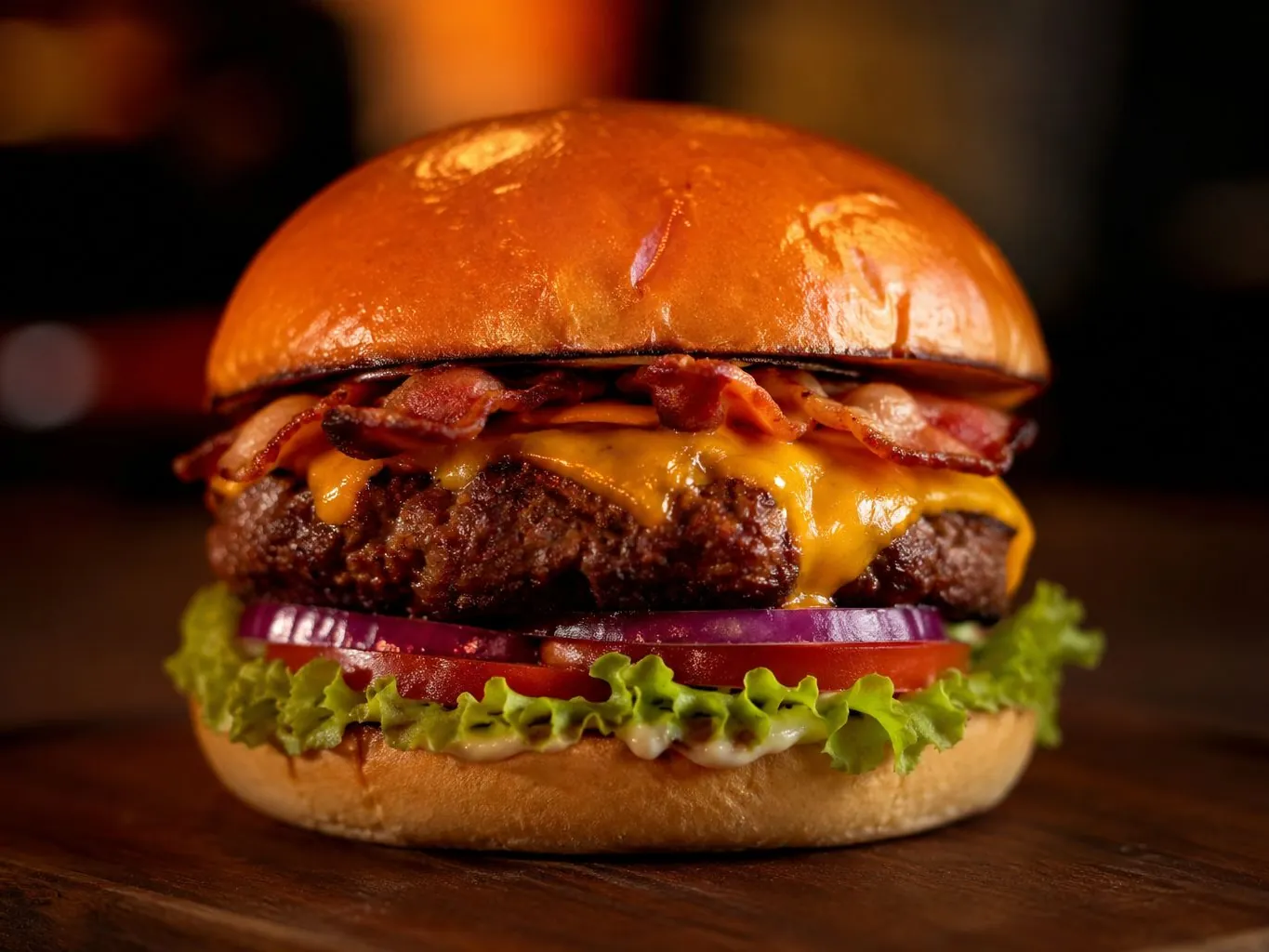
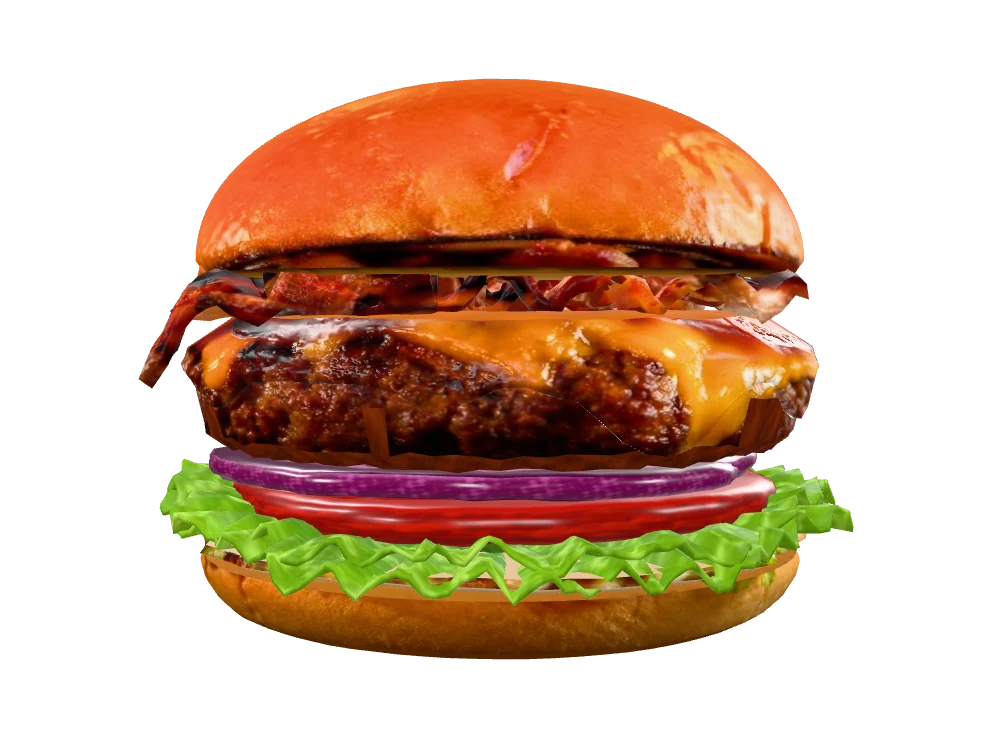
Drag the middle handle to compare. On the 3D side, spin the burger with your finger or mouse. It is the same viewer your customer uses on the store menu.
On your menu, PromtuFood IA builds the model from a photo of the product, and you approve the result before publishing.
On compatible phones, the customer can also see the product on their own table through the camera.
Loading the 3D model…
Drag the handle to compare. On the 3D side, rotate the product.
Demonstration example. On your menu, customers see the photo of your product and the model generated from it.
From sign-up to service
You pick a plan, confirm the payment, get a tour of the dashboard with the PromtuFood mascot, publish your store and follow orders live.
Pick a plan, confirm your email and WhatsApp and pay with Pix or start with the free trial. Once the payment is confirmed, the dashboard opens right away with an animated welcome.
The PromtuFood mascot walks you through each area of the dashboard while you add products, hours, delivery and payments. When everything is ready, your store goes live in one click.
Your menu takes delivery, pickup and table orders by QR Code. Move each order forward live and follow everything in the dashboard.
Features
PromtuFood brings a digital menu and a management dashboard together in a simple, affordable platform.
Logo, a banner framed separately for phone and desktop, and four brand colors. You check the preview before publishing.
Pick the discount and the period. The menu shows the percentage and the old price crossed out. A paused product leaves the menu right away.
Size, doneness, crust, toppings: each group with its own minimum, maximum and price.
It opens in the phone browser. Customers who want to can sign in with their WhatsApp number, save addresses and order again from a past order.
yourrestaurant.promtufood.com.br for your bio and your WhatsApp status.
Received, Preparing, Ready and Delivered. A new order plays an alert while the Orders screen is open. Each card shows the wait and turns the timer red after 30 minutes. A scheduled order waits in its own strip.
A small program on the store computer sends every order to the thermal printer, with kitchen and summary in separate sectors.
Shifts per day, special dates and a pause with a note. The menu tells customers if you are open, about to close or closed, and when you open.
Fee and minimum order per neighborhood, free delivery and counter pickup. Turn on tracking and the courier shares their position from their phone while you follow each delivery.
Revenue, average ticket, peak hours, best sellers and who came back to buy again.
Customers scan the store QR Code, enter their table or tab, pick and order on their own phone, with no app to download. Orders land in a dining room menu, apart from delivery and pickup.
Pausing the channel does not change the address or the QR Code you already printed. The panel shows visits and an estimate of visitors, without identifying anyone.
Sees and handles only dining room orders. No access to delivery, customers, reports or settings.
Off until you turn it on. The customer picks the day and time, and the order reaches the kitchen close to that time. Works with the store open or closed.
Dine-in customers follow order progress on their own phone from Received to Preparing and Ready, without calling the waiter.
PromtuFood IA
It talks to your customers on WhatsApp and in the menu chat, using the data in your dashboard. It does not make up prices or delivery times and does not place orders for the customer.
It starts turned off. You turn it on, choose what it can do and pay only for what you use, from a prepaid balance.
Same balance: better product photos, 3D models, a copilot for your team and help inside the dashboard.
Who it is for
From the solo seller on WhatsApp to owners with several locations: each store has its own menu, address and dashboard.
Pick your business
Hamburguerias
Plans
PromtuFood charges no commission and no per-order fee. You pay the monthly plan and keep what you sell.
Once the payment provider confirms the payment, the store panel is unlocked right away. The Premium custom site is built by our team and is delivered afterwards.
Questions
What food business owners ask the most before getting started.
No. You add products, photos, opening hours and fees in the dashboard, which has built-in help that shows where everything is. Only automatic printing needs a program installed on the store computer.
No. The menu opens in the browser through the store link. To order, customers enter their name and WhatsApp number. Creating an account is optional.
No. You pay the monthly plan and nothing per order. If you take online payments, the fee is the one of the provider you sign up with (Asaas, Mercado Pago or Stripe), and the money goes to your account. PromtuFood IA tools are optional and charged by use, from a prepaid balance.
The top of the menu shows it right away: open and until when, closing soon, closed with the next opening time, or orders paused. It all comes from the shifts you set up, with more than one shift a day, hours that go past midnight and special dates. Outside opening hours, you decide whether the menu keeps taking orders or blocks them. The time comes from the server, in the time zone of the store, so the clock on the customer phone changes nothing. If you turn on scheduled orders, customers can pick a time when the store is open.
On the menu, customers order for delivery or counter pickup. For people already in the dining room, the store QR Code opens an on-site ordering address that lands in a separate menu, and waiters get a role just for it. Counter and phone orders are entered by your team in Manual orders.
Yes, with a Windows program installed on the computer the thermal printer is connected to. It prints when the order arrives or when it goes into preparation, splits the ticket by sector and prints copies. The computer must be on and signed in.
If you want it to. With PromtuFood IA turned on, the assistant answers on WhatsApp and in the menu chat, checks the menu, builds the cart and calls your team when needed. It starts turned off and is charged by use. Without it, messages arrive in the Conversations hub and your team replies.
On the monthly plan, yes: there is no lock-in and no cancellation fee. The 3-month and yearly plans are paid upfront, in a single payment, and cover the contracted period. Before choosing one of them, talk to the team about the cancellation and refund terms.
It is up to you: right after signing up you can build your menu in the dashboard. It goes live when you publish the store, after confirming your email and having at least one available product.
Yes. Each location is its own store, with separate address, menu and dashboard, and you add the others in Minha PromtuFood with the same account.
No question matches that term.
Ask us directly on WhatsApp.Ready to start?
Create your account, build your menu and publish it when you are ready. No commission on sales and no lock-in on the monthly plan.
Have a question? Chat on WhatsApp